
One-click verification
On any website, for both images and article text.
Liccium Chrome Extension
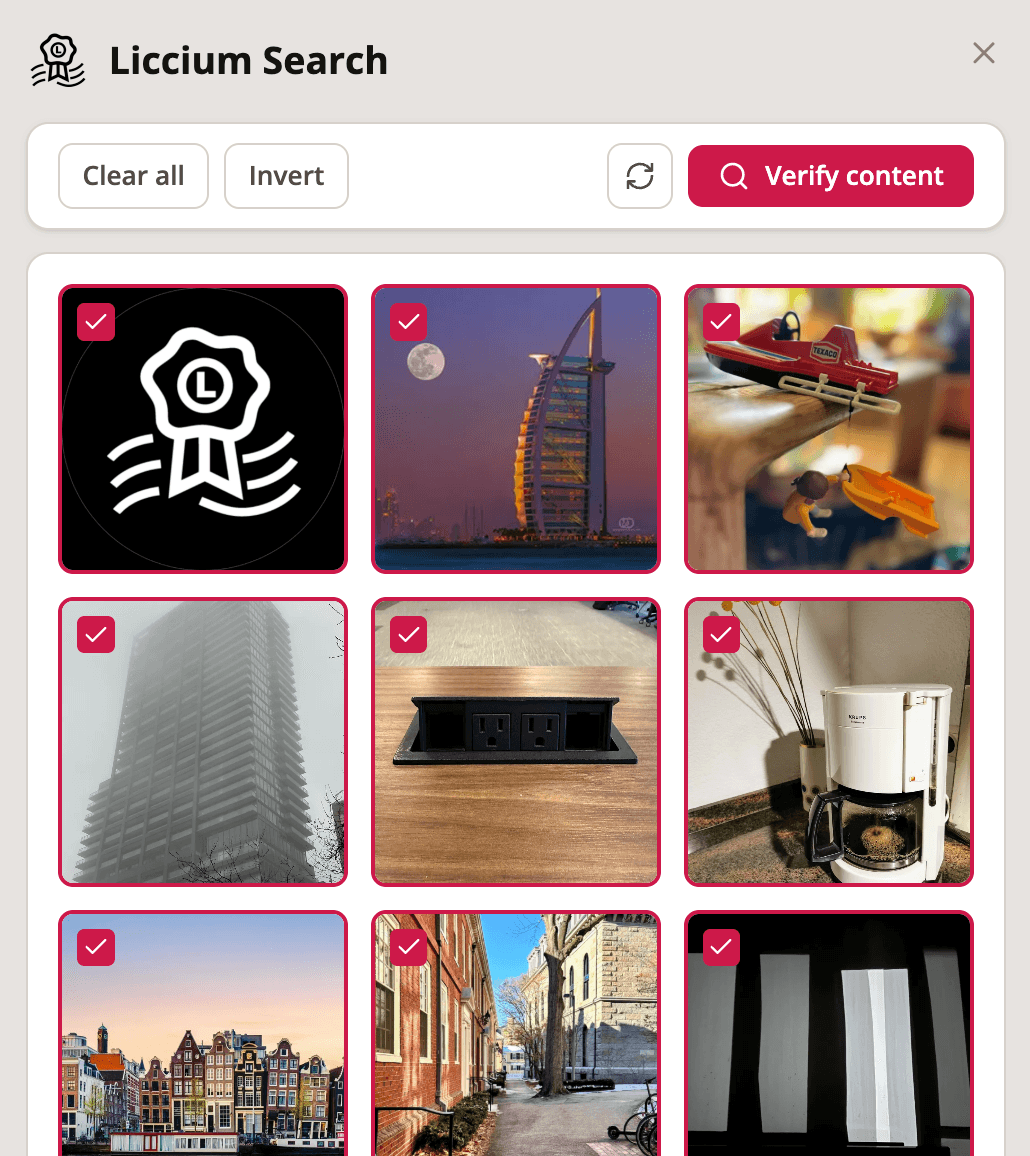
The Liccium Chrome Extension turns any website into a provenance check. See who made the images and text in front of you, whether they have declared it, and what they allow – without leaving the page.
What it offers
On any website, for both images and article text.
Fingerprinting runs locally, so verification takes about a second.
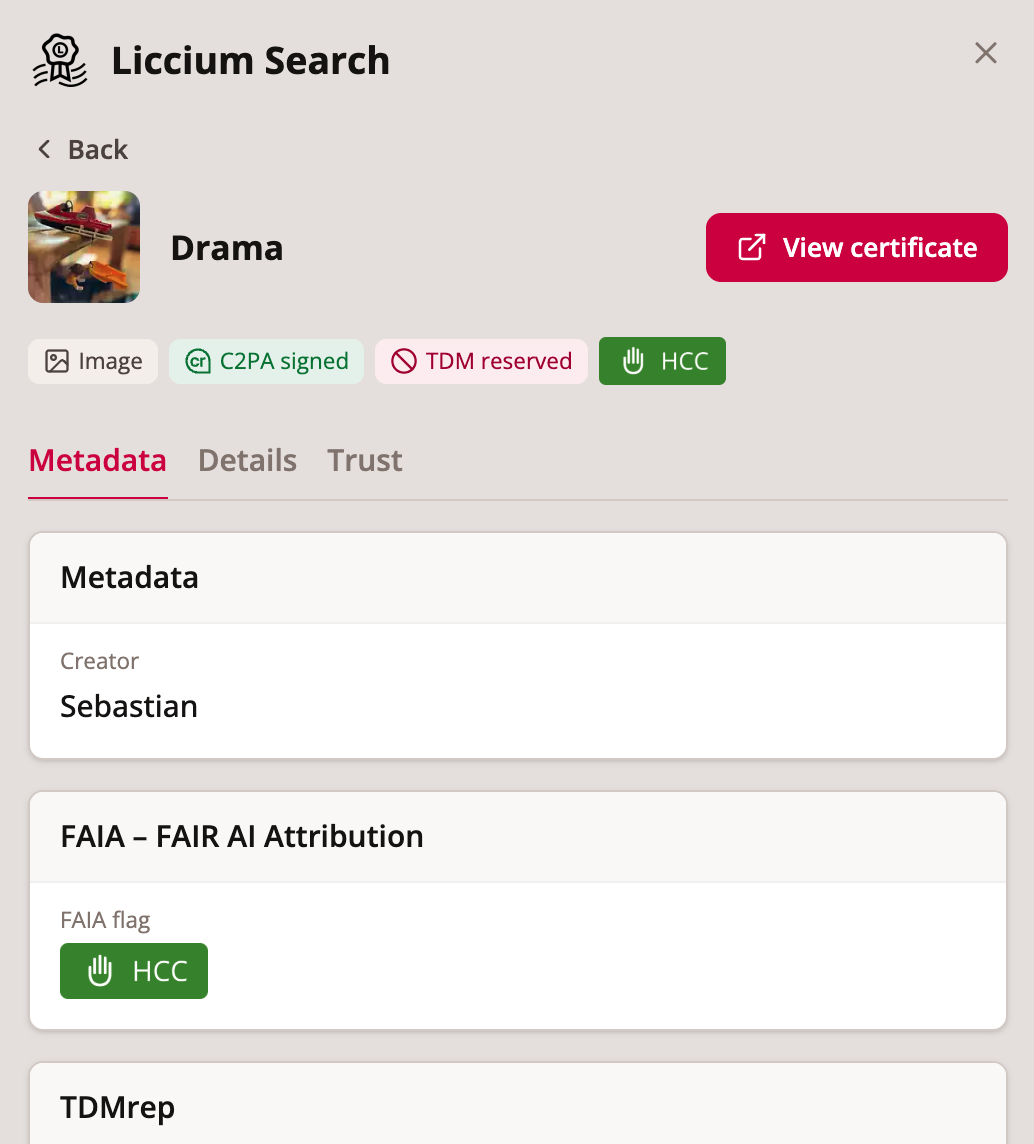
Creator, rights, credentials, C2PA, and AI attribution.
From self-asserted to eIDAS-sealed.
Scored by similarity, so genuine matches are obvious.
Native support for Bluesky (AT Protocol).
How it works
Add the Liccium extension, then click its icon on any page to extract the images and text locally.
One click generates the fingerprints in-browser and checks them against Liccium.
Declared works appear with creator, rights, credentials, and a link to the certificate.
Be one of the first to verify provenance as you browse.